 Make us preferred on Google
AI video generation has become one of the fastest-growing areas of artificial intelligence. In 2026, creators can generate cinematic videos, social media clips, animations, advertisements, and other visual content with simple text prompts.
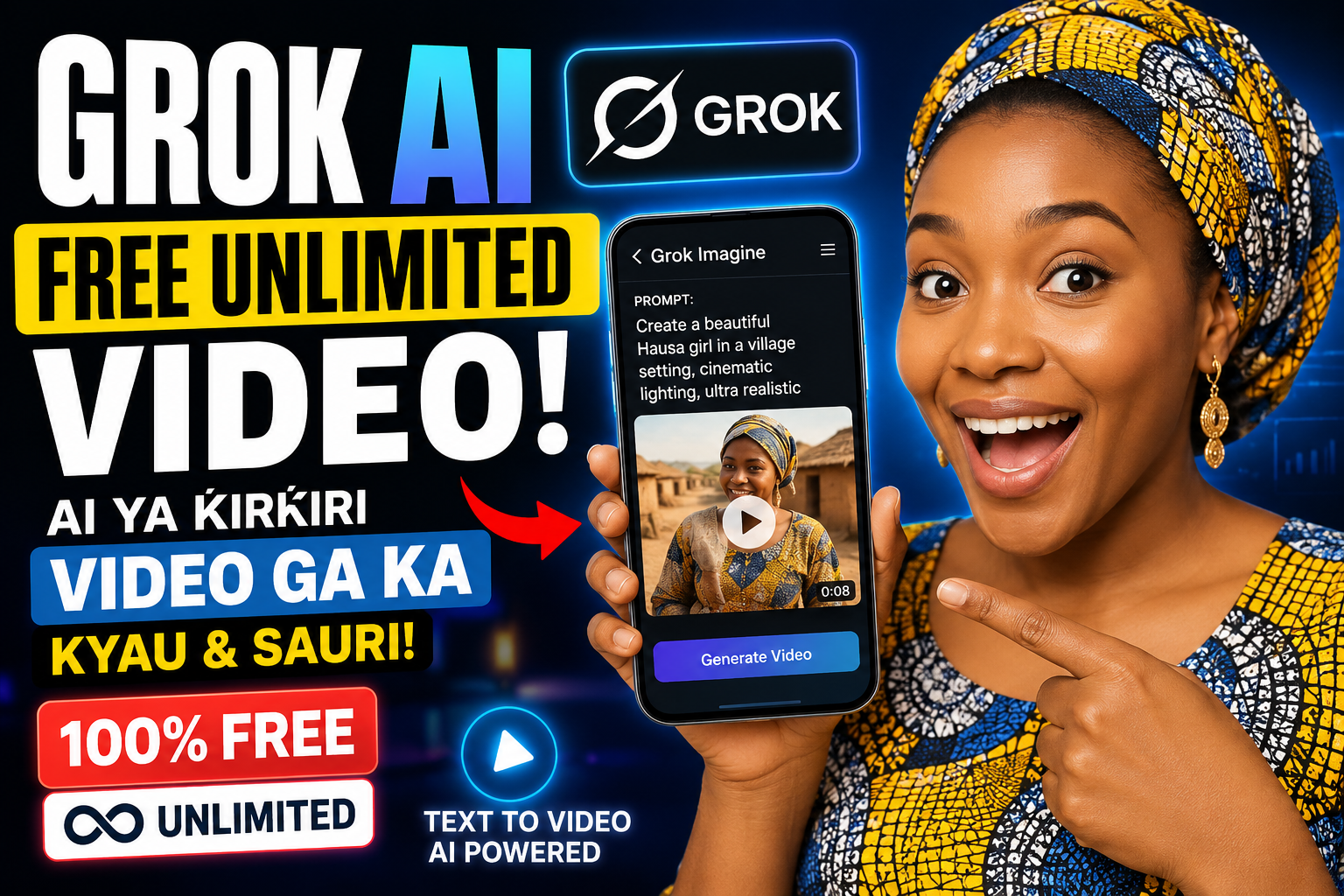
One of the AI tools attracting a lot of attention is Grok AI, developed by xAI. Grok includes an image and video generation feature called Grok Imagine, which allows users to turn ideas and images into AI-generated videos.
What Is Grok AI Video Generator?
Grok is an AI assistant from xAI that can answer questions, write content, analyze files, create images, and generate videos through Grok Imagine.
Grok Imagine is designed to help users create visual content from text prompts and images. Depending on your account and current availability, you may be able to generate short AI video clips with realistic motion and other advanced features.
Is Grok AI Video Completely Free?
This is where users need to be careful. Grok can be used for free, but free does not necessarily mean unlimited video generation.
Free access and usage limits can vary depending on the account, region, product availability, and changes made by xAI. Paid plans generally provide higher usage limits and additional features.
Therefore, websites or social media posts claiming that every Grok account can generate unlimited videos every day should be treated carefully.
How to Create a Video With Grok AI
Step 1: Open Grok
Visit the official Grok website or open the Grok application on your smartphone. Sign in to your account if required.
Step 2: Open Imagine
Look for the Imagine feature. This is where Grok provides its image and video generation capabilities.
Step 3: Write Your Prompt
The quality of your result depends heavily on the prompt you provide. Instead of using a very short prompt, describe the subject, action, environment, camera movement, lighting, and style.
A young African entrepreneur walking through a modern city at sunset, cinematic lighting, realistic movement, detailed environment, smooth camera tracking, professional commercial style.
Step 4: Generate the Video
Submit your prompt and wait for Grok to process it. Depending on your account and available features, Grok can generate short AI video clips.
Step 5: Improve Your Prompt
If the first result is not what you expected, modify your prompt. You can add more information about the camera, lighting, character, location, movement, and visual style.
Can You Generate Unlimited Grok Videos?
There is currently no universal official number of free Grok videos per day that applies to every account.
Usage limits can change over time and may differ between users. If Grok tells you that you have reached your current limit, you may need to wait for the allowance to reset or use an available paid plan with higher limits.
Be careful with websites or videos promising a secret method for unlimited Grok AI video generation. Avoid giving your Grok login information to unofficial websites.
How to Make More AI Videos for Free
If your goal is to create many videos without spending money, you can use the free access available on your account and combine it with other legitimate free AI tools.
This workflow can be useful for:
- YouTube Shorts
- TikTok videos
- Facebook Reels
- Instagram Reels
- Product advertisements
- Educational videos
- Faceless YouTube channels
- AI animations
Best Prompts for Grok AI Video
Cinematic Video Prompt
Create a cinematic scene of a futuristic African city at night, glowing skyscrapers, busy streets, realistic people, dramatic lighting, smooth camera movement, realistic physics, high-detail environment.
Product Advertisement Prompt
Create a professional commercial showing a modern smartphone on a luxury table, dramatic studio lighting, slow camera movement, realistic reflections, premium advertising style, detailed close-up shots.
Social Media Video Prompt
Create a short energetic social media video showing a young entrepreneur working on a laptop in a modern office, fast camera movement, motivational atmosphere, cinematic lighting and realistic motion.
Tips for Getting Better AI Videos
1. Be Specific
Tell Grok exactly what you want to see. The more useful details you provide, the easier it is for the AI to understand your idea.
2. Describe the Camera
- Slow camera push-in
- Tracking shot
- Wide-angle shot
- Close-up
- Drone shot
- Smooth camera pan
3. Describe the Lighting
- Golden-hour lighting
- Studio lighting
- Neon lighting
- Soft natural light
- Dramatic cinematic lighting
4. Use a Simple Prompt Structure
A useful prompt structure is:
Subject + Action + Environment + Camera + Lighting + Style
For example:
An African businessman walking through a modern city, talking on his phone, cinematic tracking shot, golden-hour lighting, realistic documentary style.
Grok AI Video vs Traditional Video Creation
Traditional video production can require cameras, lighting equipment, actors, locations, microphones, editing software, and considerable time.
AI video generation can reduce many of these requirements. Instead of recording every scene yourself, you can describe the scene and let an AI model generate a visual version.
However, AI-generated videos can still contain mistakes such as distorted objects, inconsistent characters, unrealistic movement, or incorrect text. Always review your video before publishing it.
Final Verdict
Grok AI is becoming a powerful option for people who want to experiment with AI-generated videos. Its Imagine technology makes it possible to turn creative ideas into visual content using AI.
However, calling Grok “unlimited free video generation” for everyone would be misleading. Free access and usage limits can change, and different accounts may have different limits.
The best approach is to start with the free access available on your Grok account, learn how to write effective prompts, and use other legitimate tools when you need additional video-generation capacity.
If you are a content creator, YouTuber, blogger, or social media marketer, Grok AI can be a useful tool for turning simple ideas into engaging visual content.